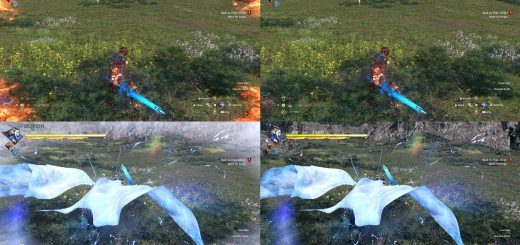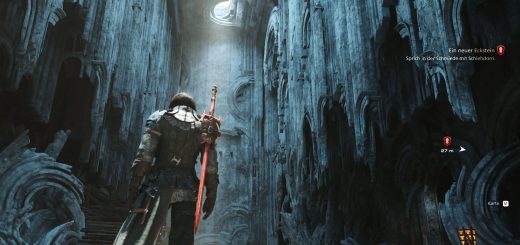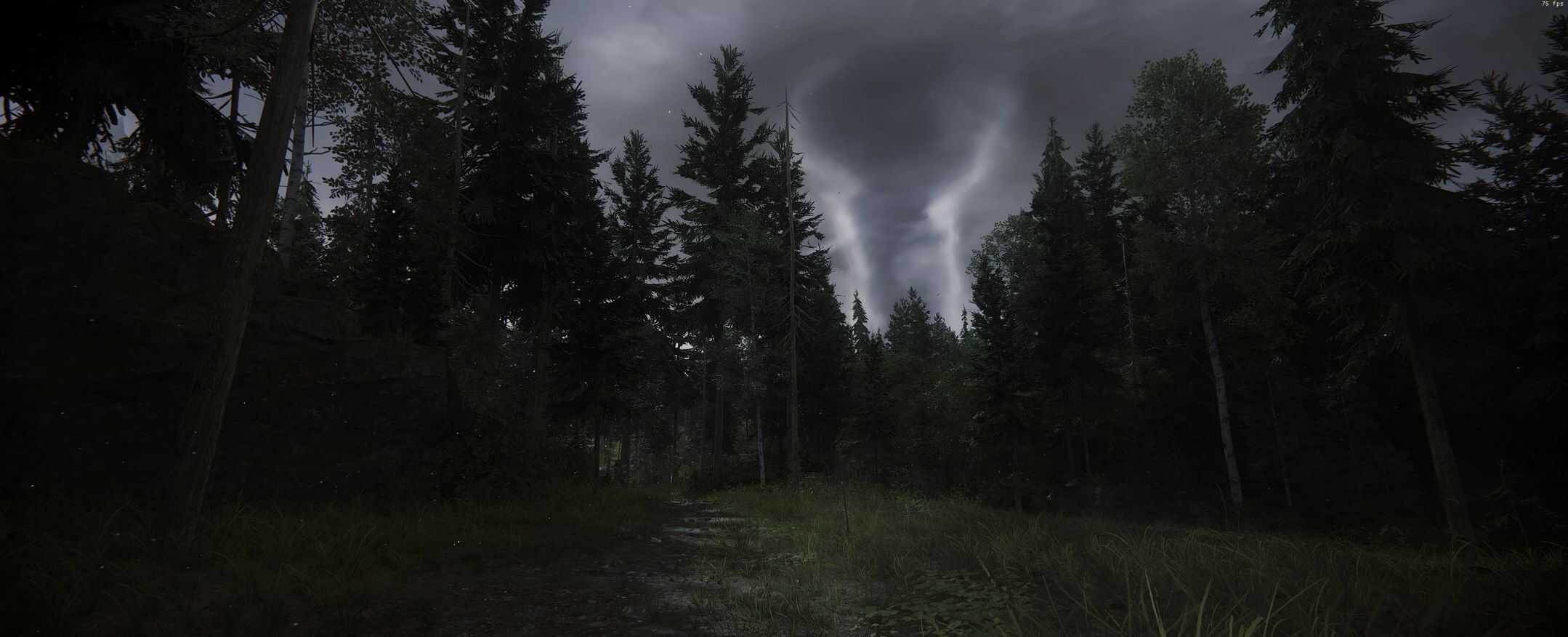

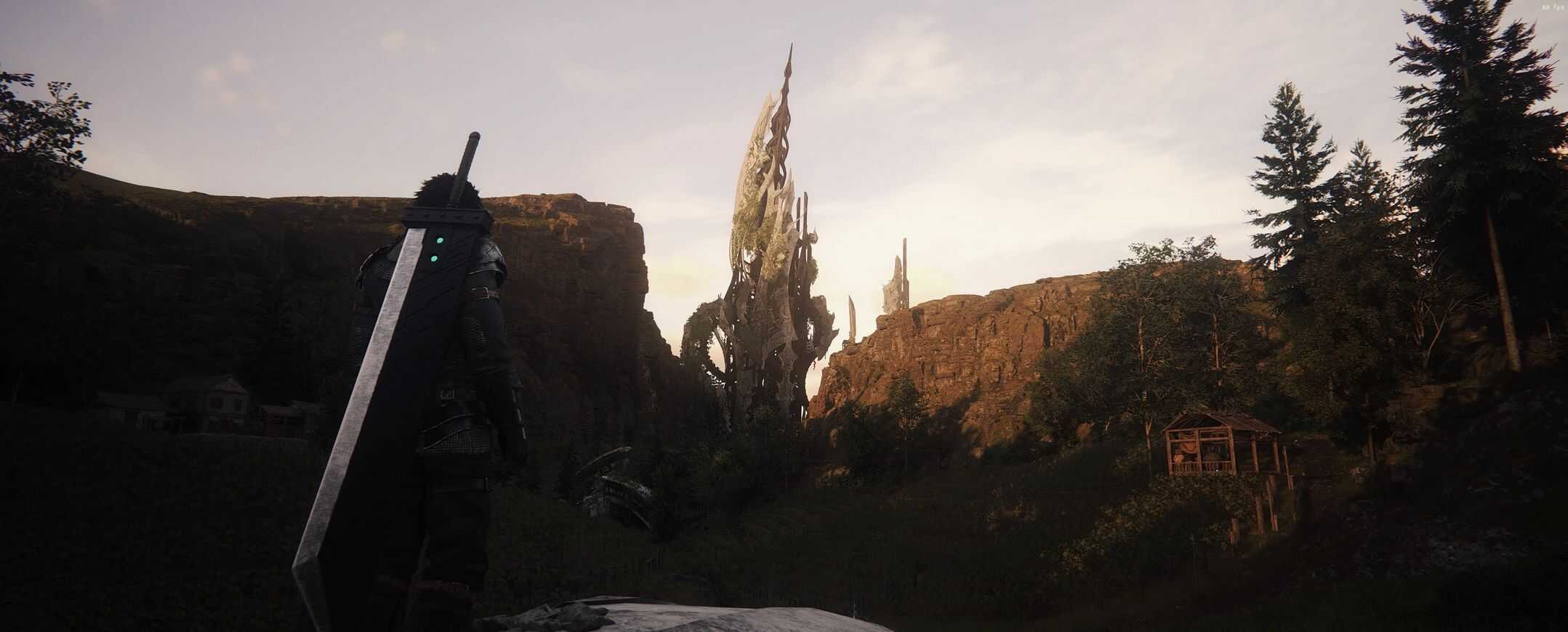
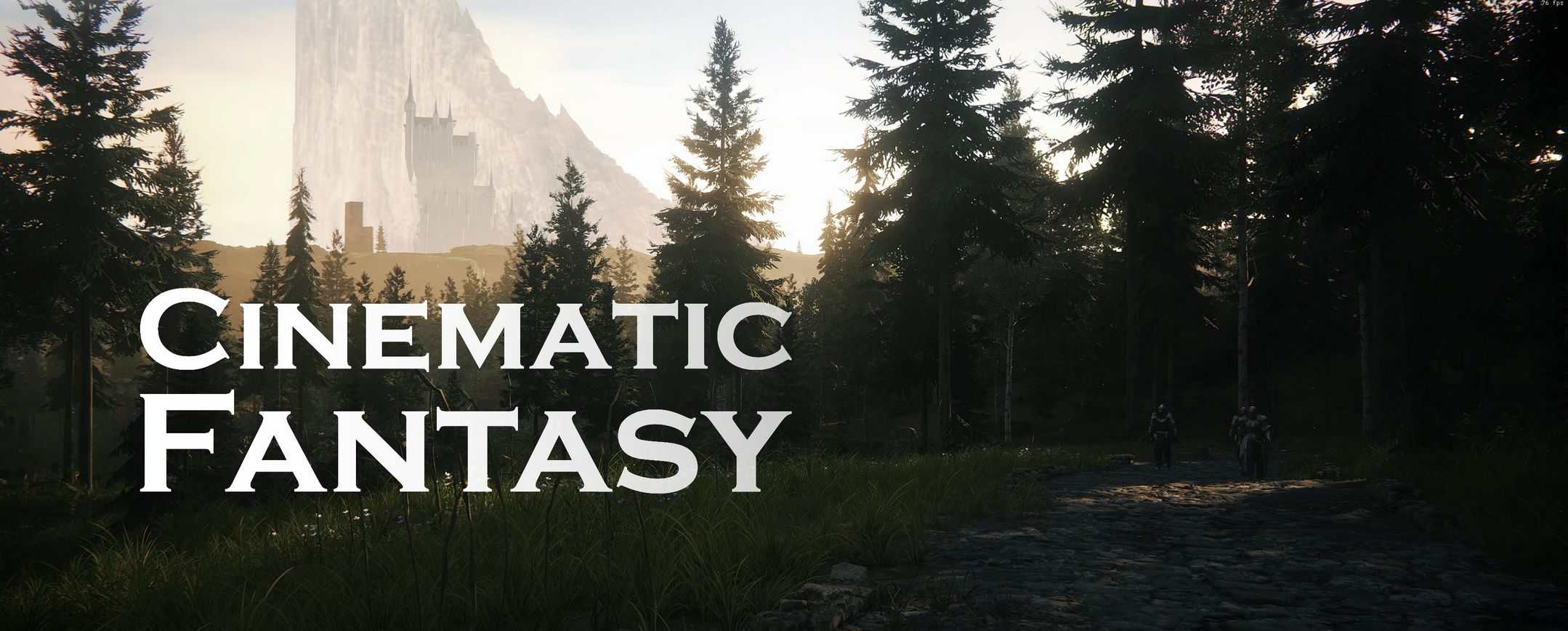
Cinematic Fantasy – Reshade v1.0
Reshade that makes stunning visuals.
Install Reshade:
1. Download Reshade
2. Run the installer and run Reshade to select your game for the installation, you must select “ffxvi.exe” in the list, or browse
it in your game folder
3. Select DirectX 10/11/12
4. Click on “Uncheck all” then “Check all”
5. Press next and it should be installed
Install Cinematic Fantasy:
1. Drop the folder “reshade-shaders” into ”FINAL FANTASY XVI” folder
2. Replace files if asked.
3. It’s installed! Now launch the game and if all worked correctly, Reshade will say it is loaded succesfully in the band at the top of your screen.
4. Press the ‘Home’ button on your keyboard (above END) to bring up reshade, skip tutorial or do it quickly, then select ‘Cinematic Fantasy’ in the bar at the top below the tabs and go to \FINAL FANTASY XVI\reshade-shaders/preset/ and click on Cinematic Fantasy.ini
5. Enjoy!
(Optional):
– At the botton of reshade window, you’ll see “Performance mode”, enable it
– Bring up reshade and go to Settings, enable “Load only enabled effects”
– You can tweak individual effect in the reshade window, and you can set up a shortcut to turn all effects on/off for comparison in the setting tab of the reshade menu in-game.
– You can also tweak the MultiLUT, has a lot of Luts so you can choose a different vibe/atmosphere