CINEMATIC RESHADE v1.5

Final Fantasy XVI Mods |

CINEMATIC RESHADE v1.5

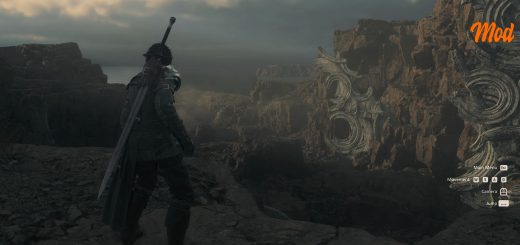
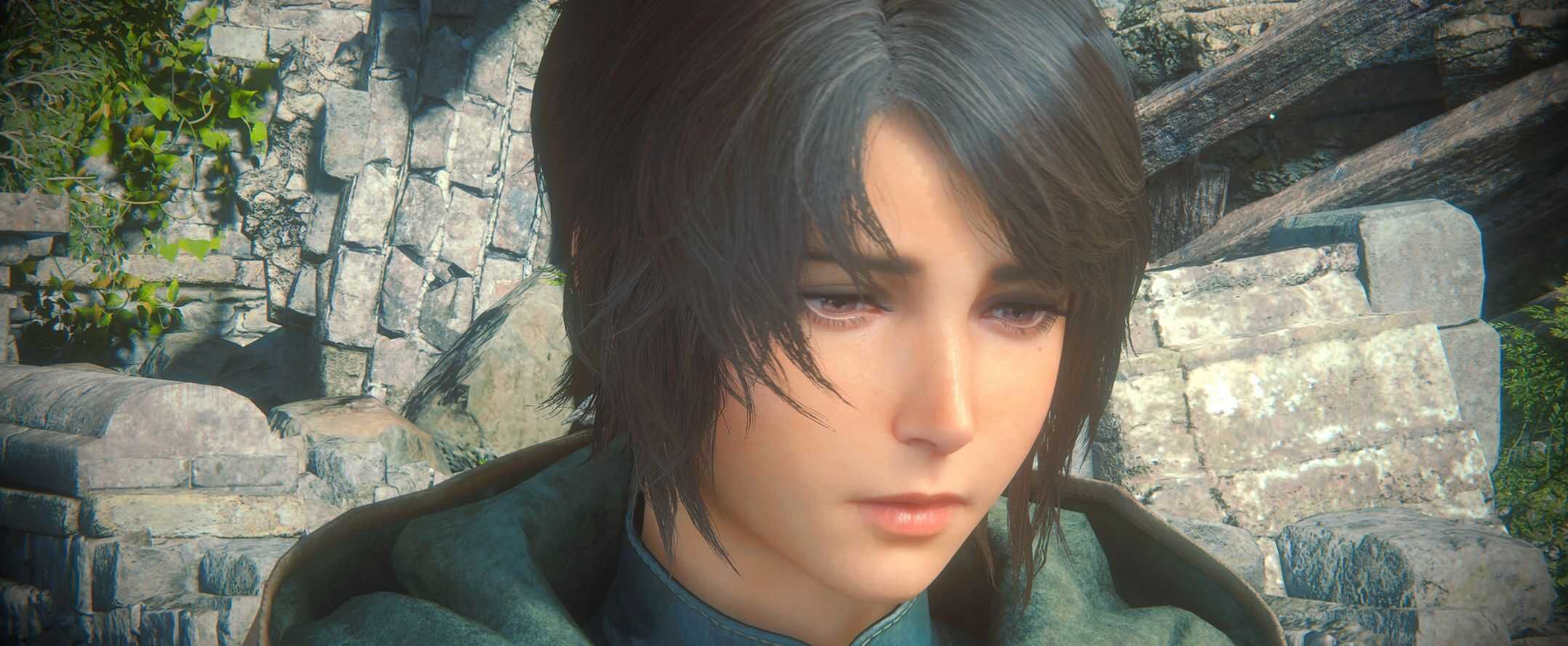
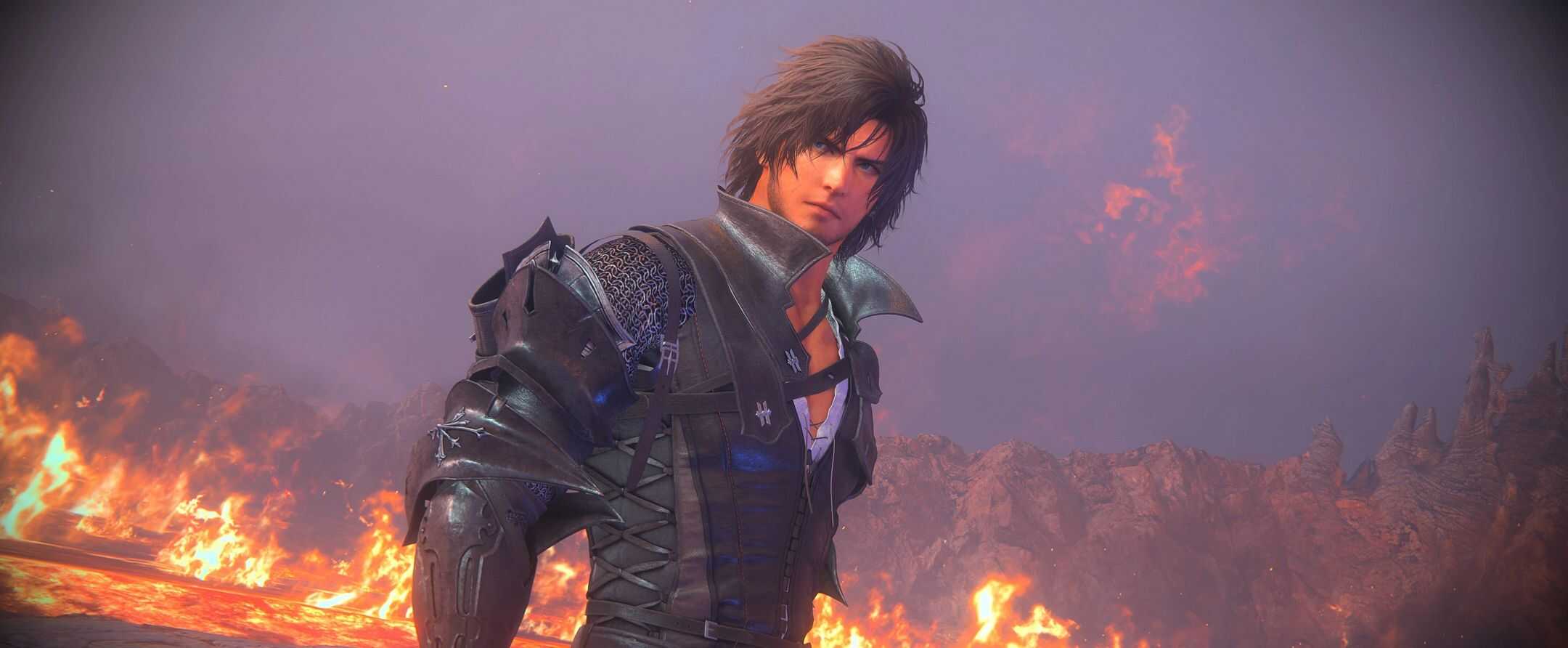
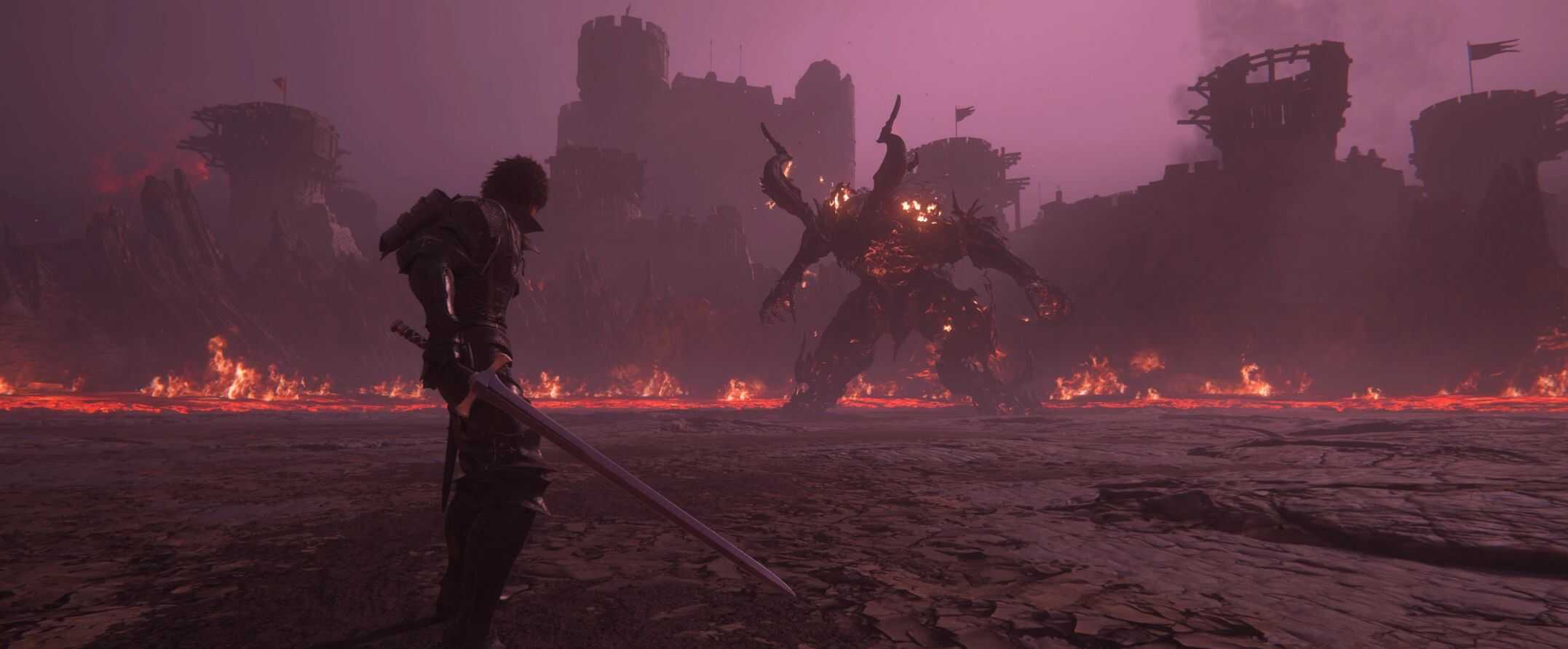
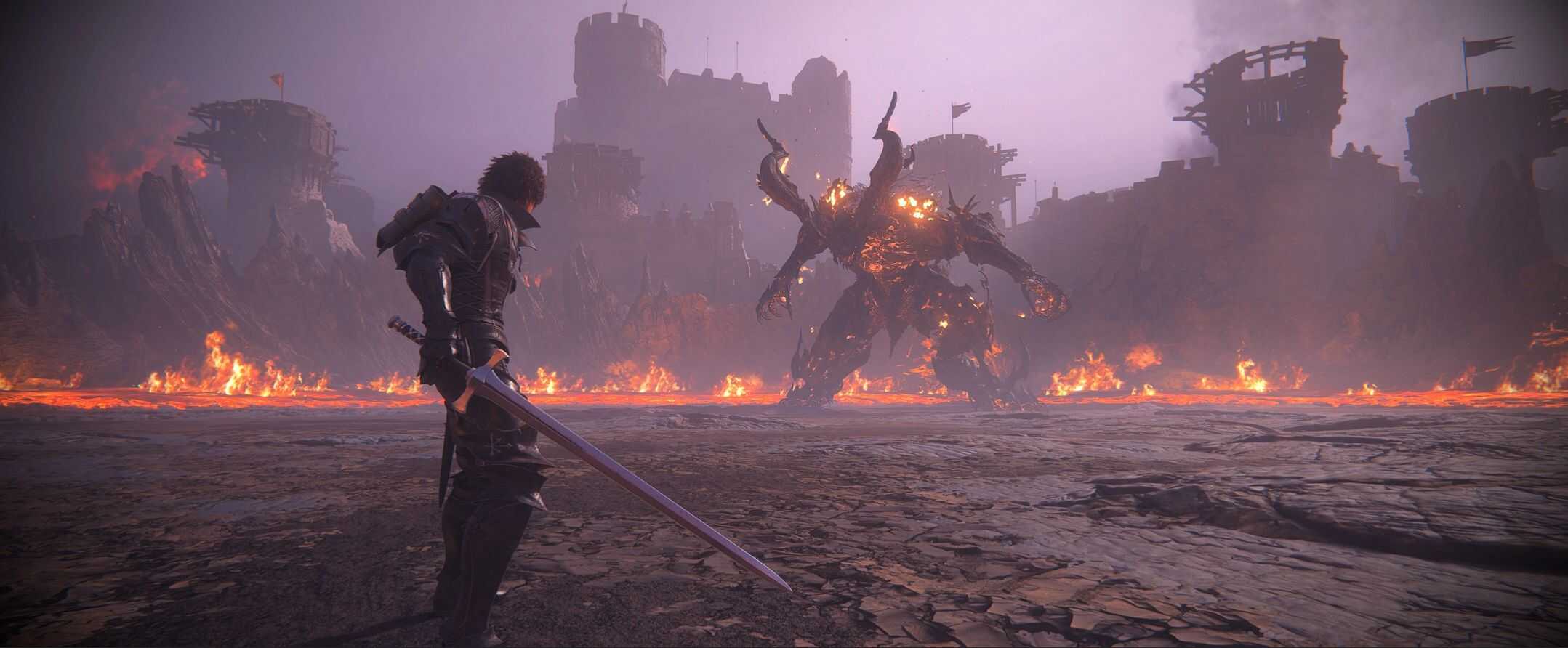
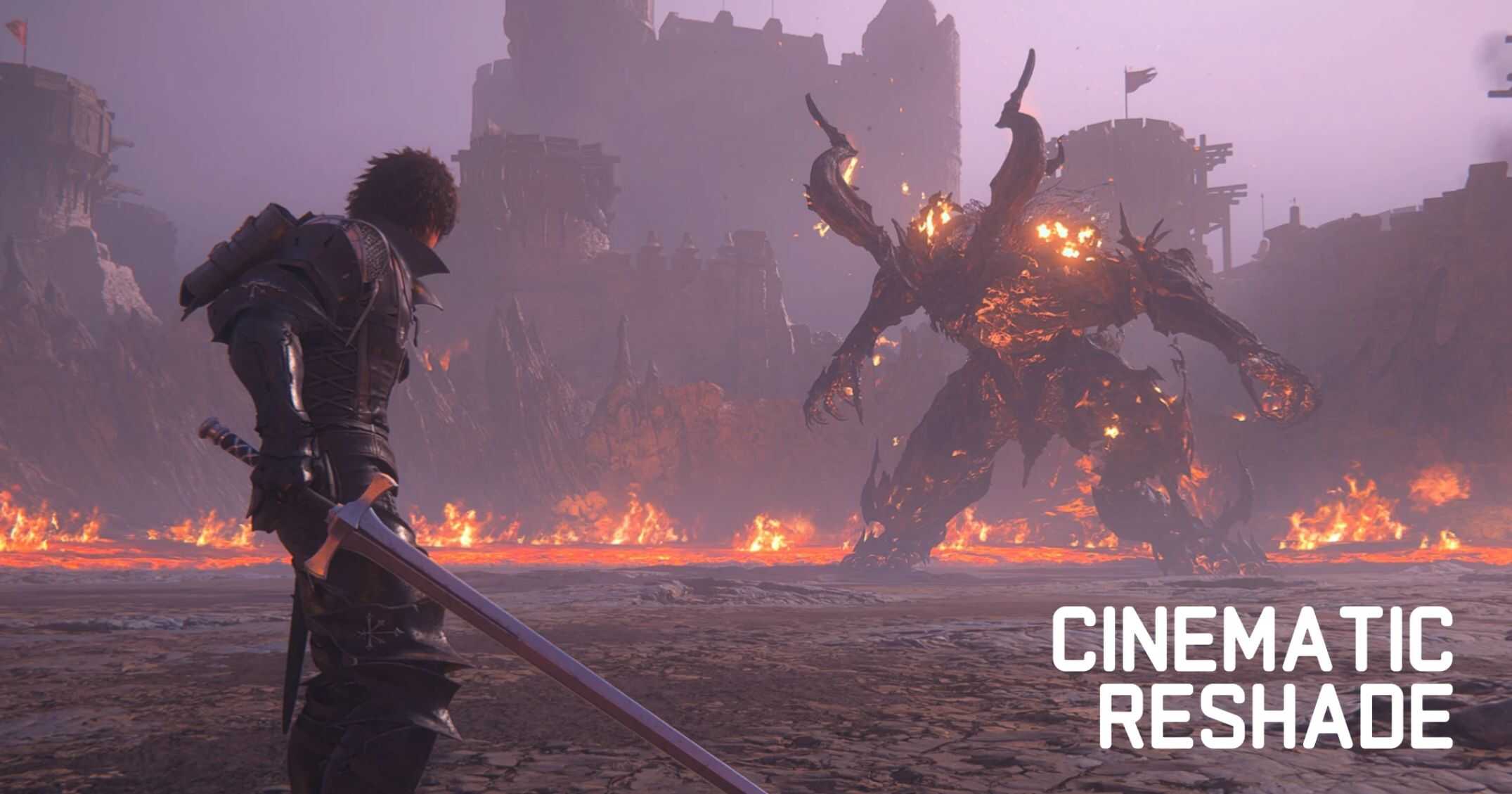
A reshade adjusting HDR settings and color balancing.

This comprehensive ReShade preset brings together advanced lighting corrections, precision color balancing, and atmospheric effects including authentic CRT simulation and immersive vignettes.
– Lighting Enhancement – Dynamic corrections for realistic illumination – fixes the overall brightness issue the game is plagued with
– Color Grading – Color balance and Saturation for a more vivid experience
– CRT Effects – Nostalgic scanlines ( “cathode” filter option – off by default )
– Atmospheric Vignettes – Subtle edge darkening for cinematic depth ( Optional – on by default )

Installation
Download and install reshade on the ff16 client, then download and unzip the mod to the game folder.
From there you select the ff16-hdr.ini once you have reshade running on your first launch.


Author: Zion
This content was uploaded by website visitors. If you notice any mistake, please let us know.


Have you tried Final Fantasy XVI Mods yet? Simply select your desired file and add it to your game - it's as easy as that! It's definitely worth seizing the opportunity, as it can completely transform your gaming experience. Trust us, every Final Fantasy 16 CINEMATIC RESHADE v1.5 Mod in our database meets the highest quality standards and adheres to strict requirements. We take pride in offering our visitors unlimited access to a diverse range of additional Mod files.


Useful Information: Final Fantasy XVI Cheats | Final Fantasy XVI News | Final Fantasy XVI System Requirements | All about Final Fantasy XVI | Final Fantasy 16 Demo

You may also like...

Leave a Reply

Your email address will not be published. Required fields are marked *