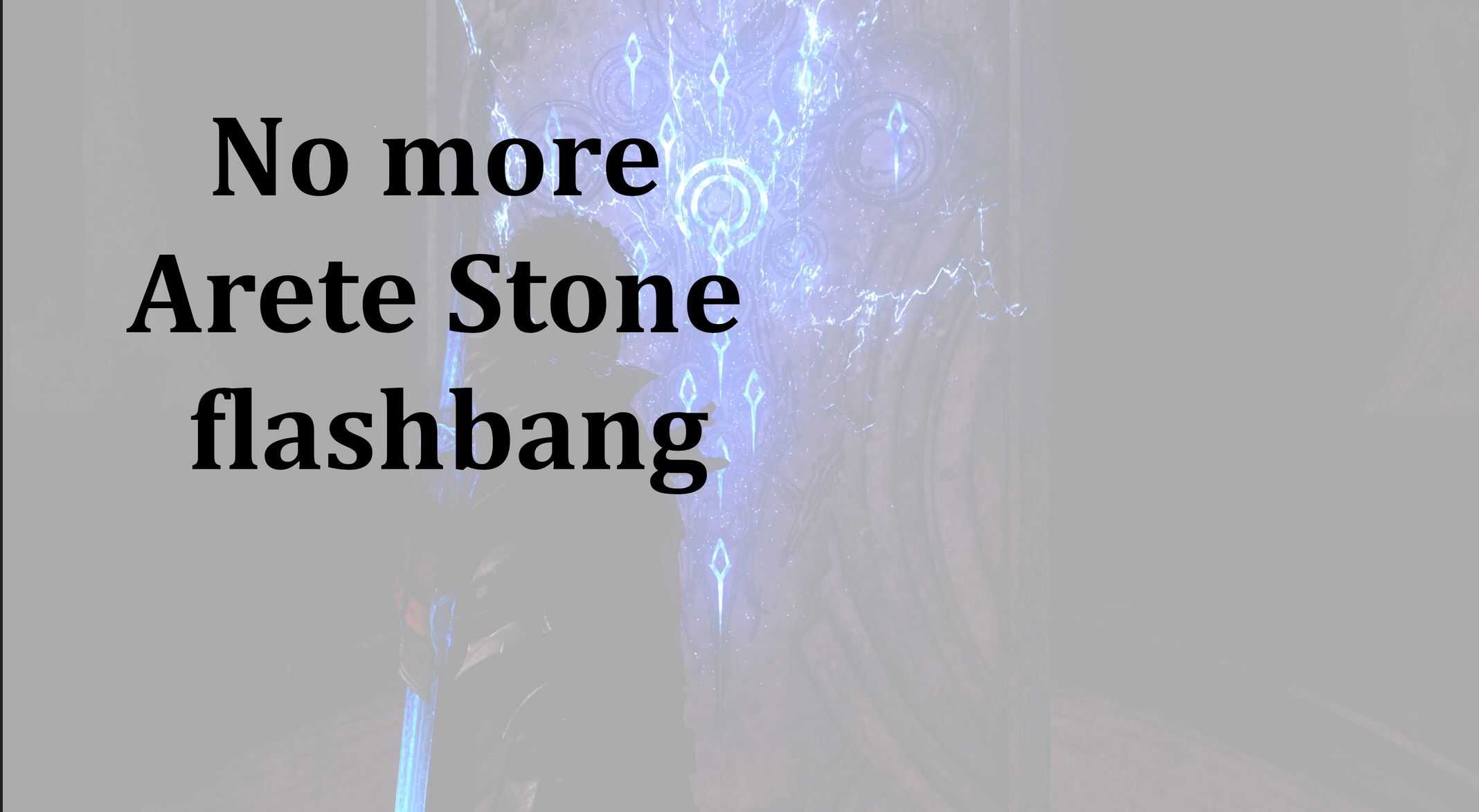
No More Arete Stone Flashbang v1.0
Get rid of bright white flashbang when opening and closing the Arete Stone menu.
Uses a simple ReShade setup to prevent the white screen from appearing. No need to use any toggle hotkeys.
Installation
This mod requires the installation of the add-on enabled version of ReShade as well as a ReShade add-on called ShaderToggler.
ReShade’s installer for the latest add-on version can be downloaded here:
https://reshade.me/downloads/ReShade_Setup_6.6.2_Addon.exe
ShaderToggler can be added using ReShade’s installation wizard, as shown in the below screenshots.
You can also download it independently here:
https://github.com/FransBouma/ShaderToggler/releases/download/1.2.1/ShaderToggler_v121.zip
After you’ve installed both ReShade and ShaderToggler, download the mod file, unzip and extract the file
ShaderToggler.ini
and copy it to your game folder. This is typically found at:
C:\Program Files (x86)\Steam\steamapps\common\FINAL FANTASY XVI
Launch your game as usual, and enjoy the Arete Stone without the flashbangs!
(Please note there is no need to use or set up any toggle hotkeys as by default, the shader that controls the white screen is already toggled off.)
ReShade Installation
After you run the installer, you should choose ffxvi.exe from your list of games and click Next at the bottom.
On this screen, choose Microsoft DirectX 10/11/12, then click Next.
On this screen, unless you already have a ReShade preset .ini file and/or know what shaders you plan to use with ReShade, I recommend you click the Unselect All button at the top, then click Next.
Finally, the add-on screen (very important for this mod). Here, you want to check ShaderToggler by Otis_Inf, then click Next at the bottom and ReShade will complete installation.
Known Issues
Clive’s hand is held up to the Arete Stone right before the white screen appears.
After removing the white screen, you will see he abruptly returns back to a paused standing position.
This is normal behavior, as SE didn’t intend for you to be able to see that lack of animation since it was hidden behind the white screen.